POWERFUL ANDEASY-TO-USE, ADVANCED PROCESS AUTOMATION
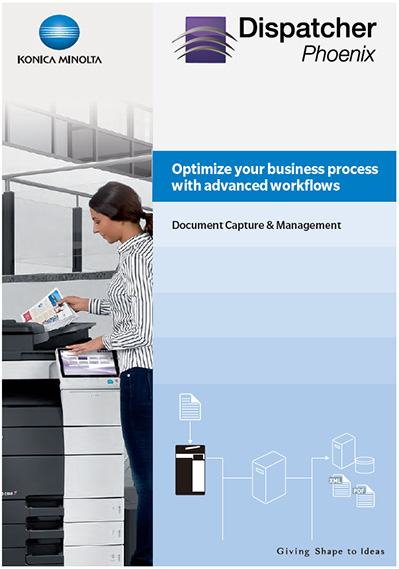
Konica Minolta’s Dispatcher Phoenix is a powerful application that can help any business save time by automating document image processing, printing, and routing tasks via customisable workflows. With a large variety of processing features, virtually everything is possible and fully automated! Including:
- Extracting data from documents
- Converting files to PDF or Office formats
- Applying annotations
- Renaming files
- Watermarking files
- Connecting to ODBC-compliant databases
- Routing documents to folders, FTP servers, MFPs, or e-mail recipients
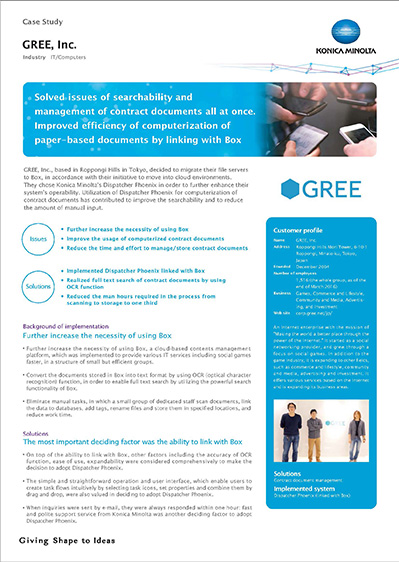
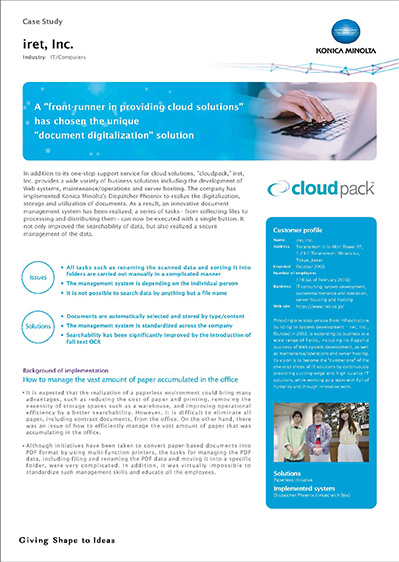
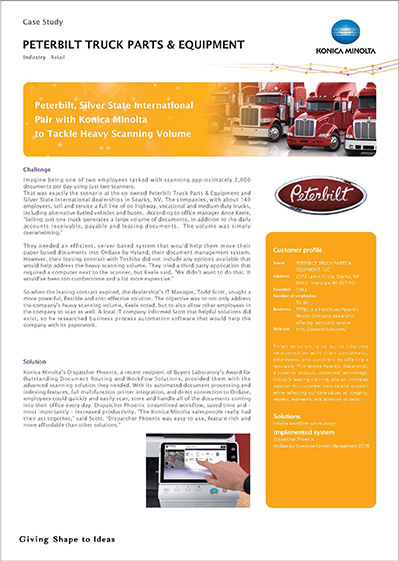
Unique LiveFlo technology provides a real-time view of documents as they are being processed – a great way to identifying bottlenecks and making sure files will reach their correct destinations. Dispatcher Phoenix provides busy offices with the convenience and flexibility they need. The application is highly scalable up to the largest enterprise environments. Dispatcher Phoenix includes a web user interface for access to important enterprise tools – such as apps for registering and grouping devices, setting up server clusters for redundancy/load balancing, failover, offloading, sharing workflows with specific users, registering ID cards to LDAP Server and more. Administrators can manage their workflows (run, stop, pause) from the web as well as edit user variables and view important analytics about work being done, including the number of documents being scanned, files collected, and users scanning.
Multiple capturing methods
Dispatcher Phoenix offers multiple methods of capturing documents and information. It can be operated directly from the bizhub MFP panel or receive data via watch folder, e-mail, mobile device, Google Cloud Print, MFP user box, batch scanning workstation, or direct print stream.
Multiple capturing methods
The application integrates with a suite of cutting-edge technologies that bring the power of the PC to Konica Minolta devices. Documents can be scanned into a workflow of choice directly from the MFP control panel. Users can index their documents; browse through their PC folder structure to choose a folder to store documents; use a search field with type-ahead functionality to quickly filter the list of displayed folders; and even create new folders – all using a visually enhanced display on the MFP.
Multiple capturing methods
Time-consuming tasks can easily be automated, eliminating the need for manual intervention. Users can automatically collect, process, and distribute files. It is possible to annotate, rename, split, OCR, merge files, and distribute documents to wherever they are needed – all at the touch of a button.
Multiple capturing methods
The graphical-based workflow builder tool features drag-and-drop functionality, customisable icons, drawing tools, and easy-to-follow validation messages, making the creation of workflows easier than ever.
Choice of connectors
One processed, file can be sent automatically to variety of outputs. Store file in folders by connectors. SharePoint, Google Drive, Hyland OnBase and the cloud applications are just some of the backend systems that allow bi-directional communication with Dispatcher Phoenix by single sign-on.
Multiple capturing methods
Offering output into databases as well as xml data, Dispatcher Phoenix grants connectivity to almost any backend system.
Flexible scheduling
Network-intensive processes can be scheduled to run after hours to maximise network performance and free up bandwidth during the workday. The Workflow Scheduler provides both standard and advanced options, offering the choice of specific days and/or times when the workflow should run. Alternatively, workflows can also run in the background while the PC is on, even without opening the Dispatcher Phoenix application.
Companies wanting to extend their automated document workflows with a secured printing infrastructure should consider the Konica Minolta
Dispatcher Suite.